H-Tech One: Features Overview
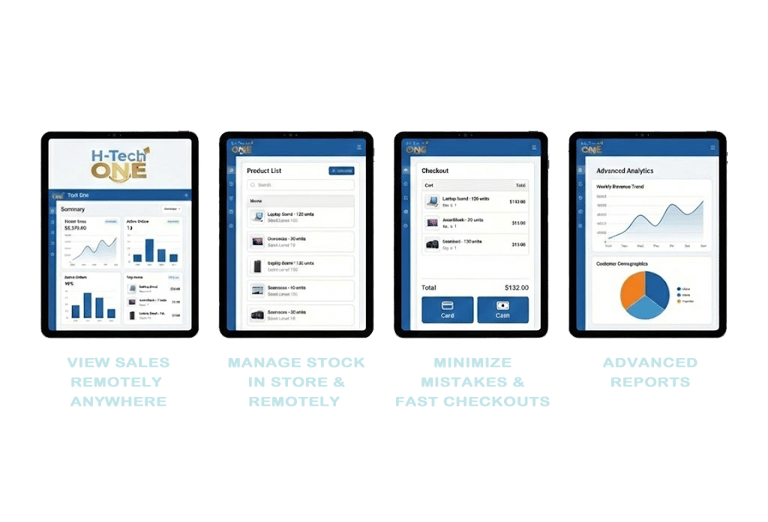
Empower Your Business with the Ultimate Cloud-Based
POS & Inventory Management System.
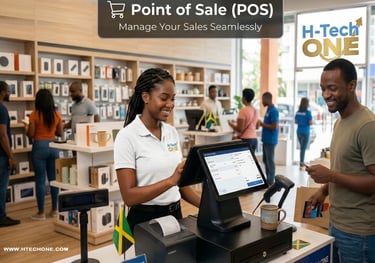
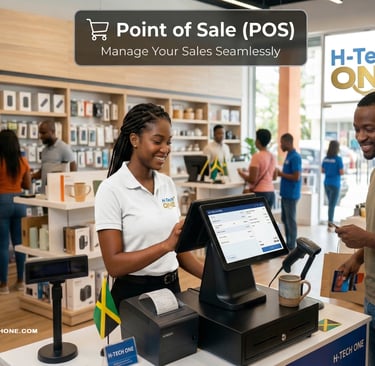
🛒 Point of Sale (POS)
Manage Your Sales Seamlessly
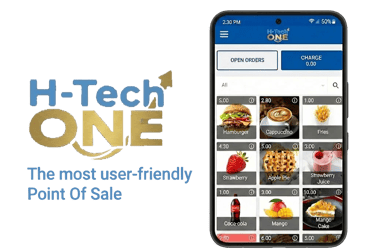
Sell Anywhere: Turn any Android smartphone, tablet, or web browser into a powerful checkout terminal.
Flexible Payments: Accept cash, cards, or mobile payments effortlessly.
Hold & Open Bills: Keep transactions open until the customer is ready to settle.
Offline Mode: Record sales even without an internet connection; data syncs automatically once back online.
Digital & Print Receipts: Issue professional printed receipts or share them via Email and WhatsApp.
Pricing & Discounts: Schedule seasonal price plans and apply specific discounts at checkout.
Barcode Scanning: Connect a scanner or use your device camera for lightning-fast checkouts.
New ❤️ Favorite Products: Use the heart icon to mark top-selling items for instant access on your home screen.
Deleted Products and Receipts: Maintain a secure audit trail and full operational transparency by tracking all modified or removed transaction records within the H-Tech One system.
QR Menu Ordering: Provide a modern, contactless dining experience that allows customers to browse and order directly from their tables using High-Tech Jamaica Srv limited technology.
QuickBooks Integration: Simplify your business accounting by effortlessly syncing daily sales and financial data from H-Tech One directly into your QuickBooks software.
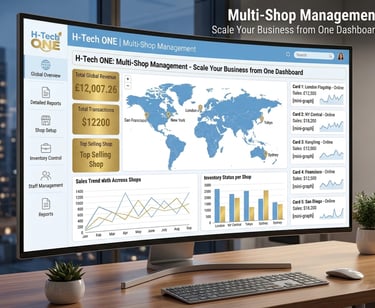
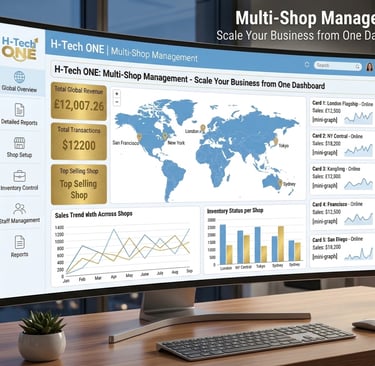
🏢 Multi-Shop Management
Scale Your Business from One Dashboard
Centralized Control: Manage multiple shops in stand-alone or centralized mode.
Unique Product Mix: Control different product lists and pricing for different locations.
Location-Specific Settings: Customize receipt designs and tax settings per shop.
Real-time Visibility: Monitor performance across all branches from a single login.
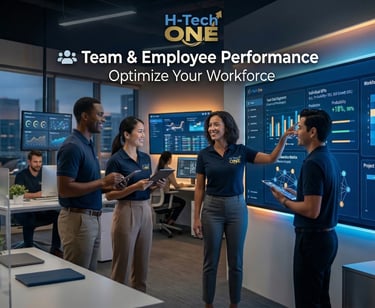
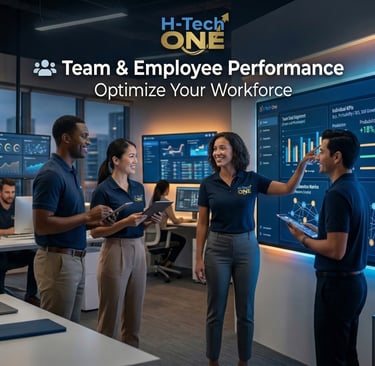
👥 Team & Employee Performance
Optimize Your Workforce
Employee-Wise Sales: Track individual performance and identify your top sellers.
Shift Management: Use the Shift-End function to reconcile cash and reduce discrepancies.
User Permissions: Create custom roles and grant specific access rights to staff.
PIN Security: Provide secure, individual PIN access for every employee.
Automated Commissions: Let H-Tech One calculate sales commissions for you automatically.
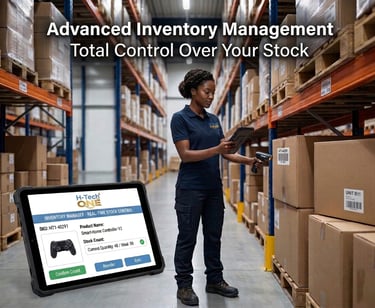
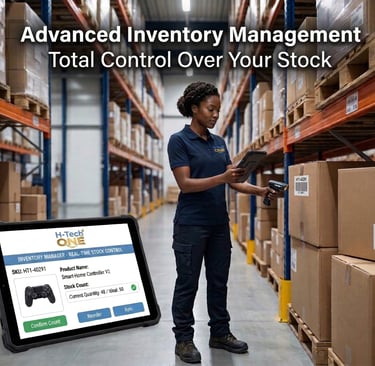
📦 Advanced Inventory Management
Total Control Over Your Stock
Centralized Inventory: Manage stock levels across all shop locations in real-time.
Purchase Orders (PO): Raise orders to suppliers and accept Goods Received Notes (GRN)
directly in the system.
Stock Adjustments: Rectify discrepancies and view detailed inventory history.
Bulk Import: Add thousands of products and prices at once via CSV upload.
Low Stock Alerts: Get automated notifications before you run out of key items.
Transfer of Goods (TOG): Move inventory between shops with ease.
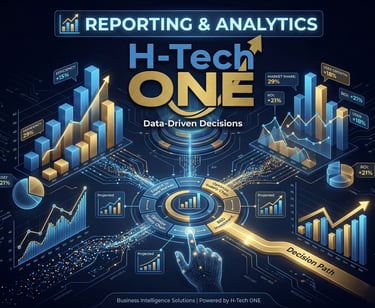
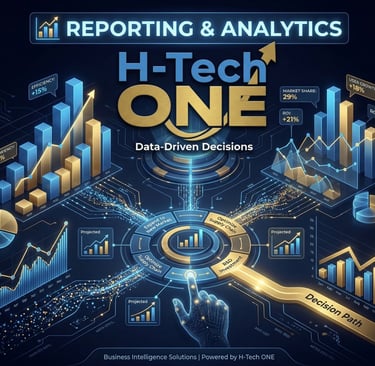
📊 Reporting & Analytics
Data-Driven Decisions
Interactive Dashboard: View key data points including revenue, net profit, and gross profit.
Sales Trends: Understand your best-performing categories and products over any period.
Inventory History: Trace the movement of goods and plan promotions based on cycles.
Expiry Reports: Automatically track and receive alerts for products nearing their expiry date.
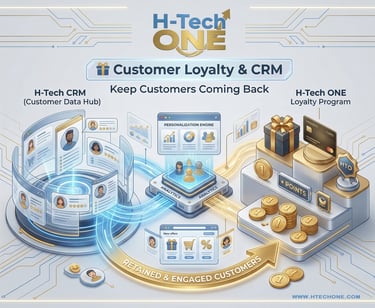
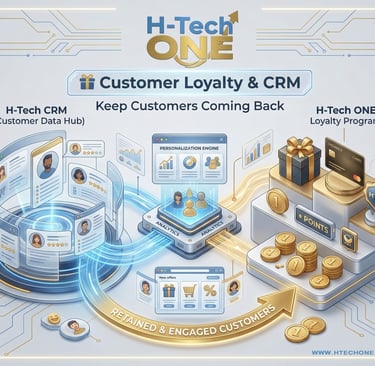
🎁 Customer Loyalty & CRM
Keep Customers Coming Back
Customer Database: Store contact details, preferences, and purchase history.
Point-Based Loyalty: Run a rewards program where customers earn and redeem points at any branch.
Loyalty Cards: Integrate physical or digital loyalty cards for easy identification.
Customer Trends: Analyze footfall and behavioral patterns to tailor your marketing.
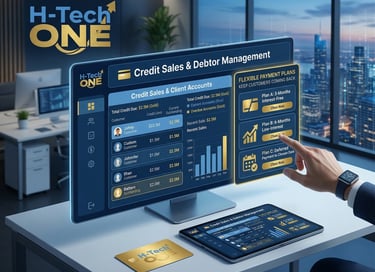
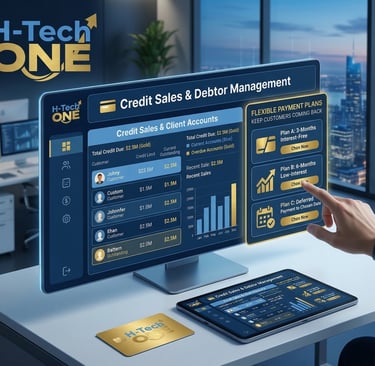
💳 Credit Sales & Debtor Management
Flexible Payment Options
Debtor Profiles: Maintain detailed records of credit customers and payment cycles.
Settlement Tracking: Monitor outstanding balances and accept partial or full settlements.
Credit Limits: Set and enforce credit boundaries for individual customers to minimize risk.
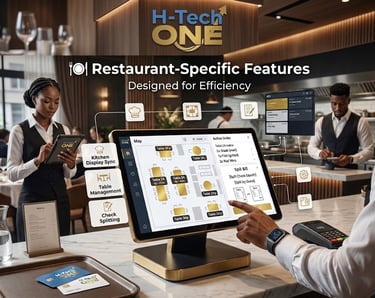
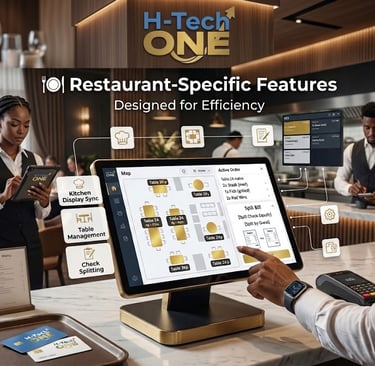
🍽️ Restaurant-Specific Features
Designed for Efficiency
Kitchen Display System (KDS): Send orders instantly to kitchen screens or printers.
Table Management: Use the 🪑 Table Icon to manage service areas, split bills, and merge tables.
Modifiers & Add-ons: Customize orders with toppings, sides, or cooking preferences.
Dining Options: Choose between "Dine-in," "Takeaway," or "Delivery" at the tap of a button.
What’s New in H-Tech One?
New Payment Interface: Redesigned for speed with Currency Note Shortcuts (tap icons for $50, $100, $500, etc.).
Dark Mode Support: Enable a sleek, eye-friendly interface for your POS and Customer Display.
Graphical Table Layout: Drag-and-drop your floor plan for a visual representation of your restaurant.